Open the capture tool once, with a connection, before the doors open; then capture
on your own phone, and let every entry wait on the device until the network comes back. That is
the whole method, and the rest of this post is about what can still go wrong with it.
Why the hall fails
Three reasons, and they stack. The building is steel and concrete, which attenuates everything. Ten
thousand phones are attached to the same handful of cells, which were planned for a car park. And
the Wi-Fi was sized for the organiser's staff, then printed on every badge. By eleven in the
morning, a page that loads in a second at home takes thirty, or never.
Nothing you do fixes the hall. What you control is whether your capture depends on it.
What depends on your phone, and what depends on theirs
Two different devices are involved, and only one of them is yours.
A visitor who scans your QR code or taps your card opens your page on their
phone, over their connection. If their data is bad, the page is slow, and no amount of preparation
on your side helps. Keep the page light, keep the form short, and accept that some scans will not
finish. A QR code is more forgiving than a tap here: a browser that retries beats a page that has to
load the instant the card is read.
A capture made on your phone, from a photo of their card or badge, depends only on your device. That
is the one you can make bulletproof, and the one to use when the hall is at its worst.
Three habits that make it reliable
Open it before the doors. The page has to be on the phone before the network goes. Open trade
show mode in the hotel or the car park, add it to the home screen, and check it opens with the
phone in airplane mode. If it does, it will open at three in the afternoon.
Capture first, type later. A photo of the business card is enough to create the lead. Type the
email and the name now if the visitor is still there, or in the quiet hour from the photo. A lead
marked incomplete on your phone beats a card in your pocket.
Sync at every break. Entries wait on the device until the send succeeds, and the device is the
risk, not the delay. Step outside at lunch, let the queue empty, and the morning is safe whatever
happens to the phone in the afternoon.
What offline has to mean
Not every tool that claims to work offline does. The test is simple: the page opens with no
network, an entry made with no network is still there after the app is closed and reopened, and an
entry sent twice because the connection dropped mid-send creates one lead on the server, not two.
The offline capture entry in the glossary goes through the three conditions.
A request that hangs is the subtle failure. A tool built for a hall treats a slow send as a failure
after a few seconds, keeps the entry, and moves on. The salesperson should never watch a spinner.
The tablet on the counter
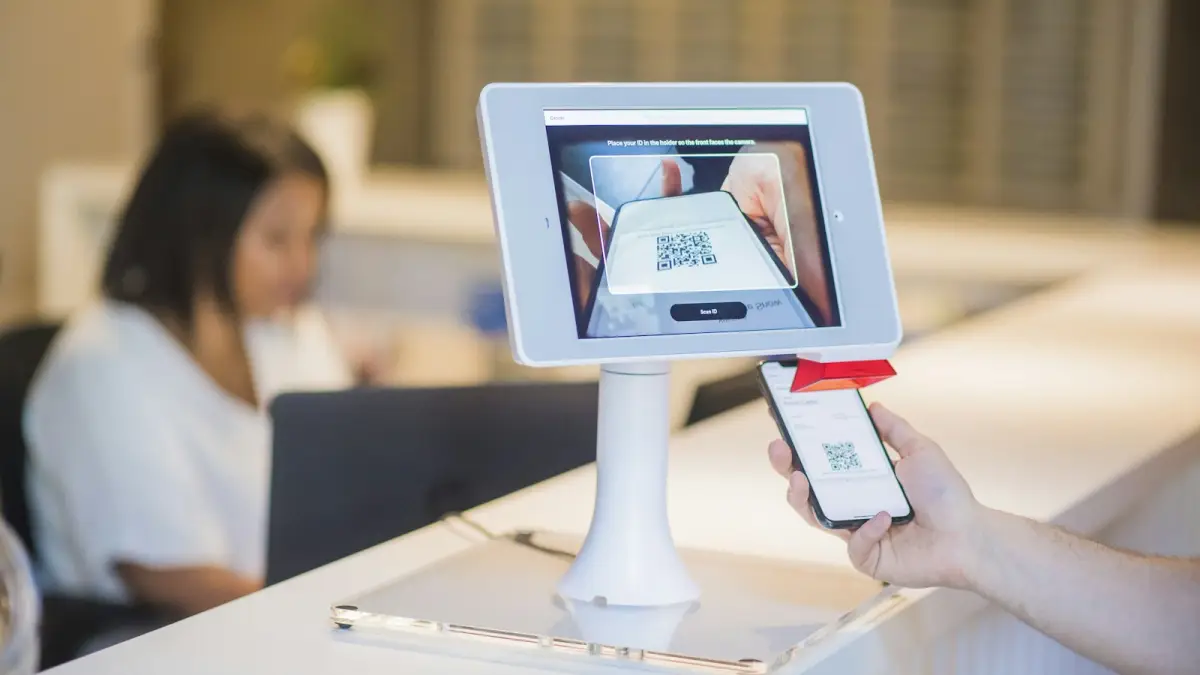
The same applies to a visitor tablet left on the stand: it keeps each
entry and thanks the visitor within four seconds whether the send went through or not. Open it
with a connection in the morning, like the phone.
When nothing works at all
The card and the pen still exist. Write three words on the back of their card, photograph it in the
evening, and the lead is in the register with the photo attached, dated to when you met. The
NFC troubleshooting post covers the other failure, when the tap itself does
not work.
In LeadShake, trade show mode keeps every capture on the phone until
the network returns, recognises an entry it has already received so a retry never duplicates a
contact, and works on the free card as well as on event campaigns.