A card that will not read is embarrassing in front of someone, which is
exactly when it happens. The causes are few and they are all quick to rule out.
1. Is NFC switched on
On Android it is a toggle in the settings, and it can be off without you knowing: some battery
savers disable it. On an iPhone there is nothing to enable, which removes the question entirely.
2. Where you are holding it
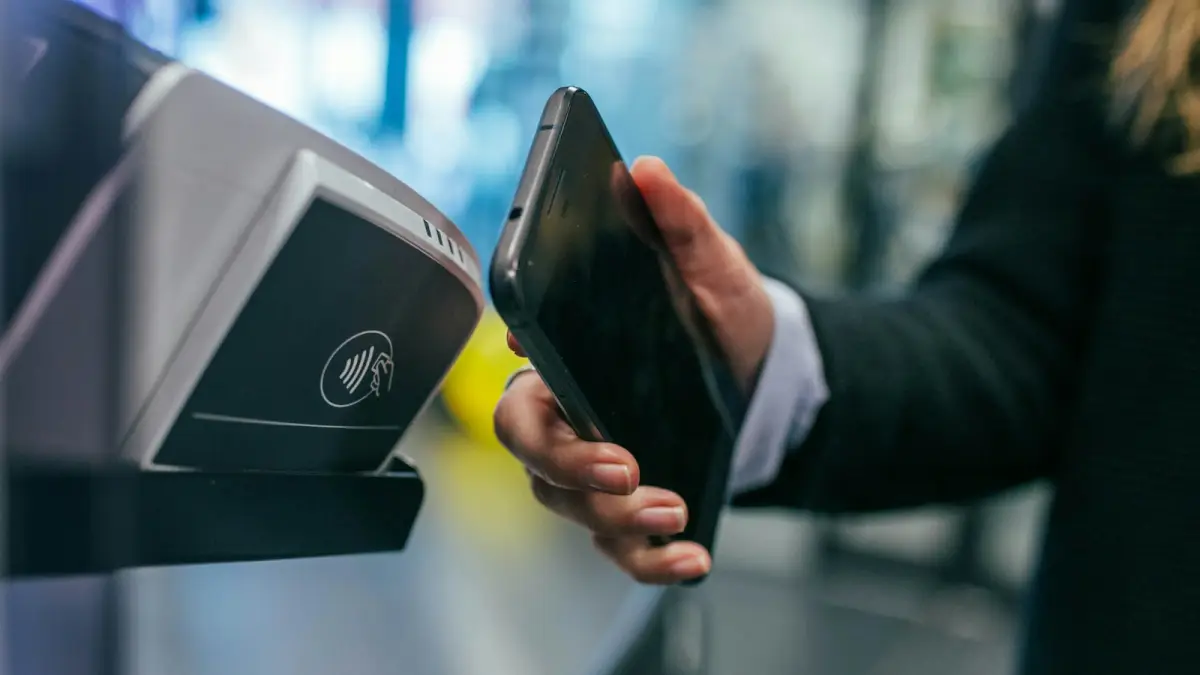
This is the most common cause by a wide margin, and the answer differs by platform. On an iPhone the
antenna runs along the top edge, just behind the camera bump. On most Android phones it sits in
the middle of the back.
Hold the tag flat against that spot for a full second. Waving it past does not work: the chip has to
draw power from the field before it can answer.
3. Is the phone recent enough
An iPhone 6 or earlier cannot read NFC tags at all: the hardware was payment-only.
Reading tags in the background arrived with iOS 14 on the iPhone 7 and later, and the screen has to
be on for it.
Android has read tags since roughly 2011, but not every model has the chip. If the setting does not
exist in the menu, the phone does not have it.
4. The case
A thick case, a wallet case with cards in it, a metal plate for a magnetic car mount. Any of these
sits between two antennas that need to be within a few centimetres. Take the phone out and try
again before concluding anything about the card.
5. Is there anything on the tag
A blank tag reads as blank, which looks identical to a broken one. If you wrote it yourself, check
the write actually completed: writing apps report success before the tag confirms, and a tag pulled
away too early stays empty.
6. Is the tag damaged or locked
The antenna in a card is a thin coil around the edge. Folding a card, punching a hole through it, or
leaving it in a back pocket for a year can break that loop, and nothing repairs it.
A locked tag reads fine but refuses new writes. Locking is permanent, so a tag you cannot rewrite is
a tag you replace. The NTAG entry covers which chips do what.
7. Stop depending on the tap
This is the point that makes the previous six less urgent. A QR code printed
next to the card reaches the same page with the camera, on every phone sold in the last decade, with
none of the conditions above.
Test it before you need it
Five minutes the week before a fair saves the conversation you would otherwise lose in front of a
prospect.
Write the tag, then test it on an iPhone and on an Android, because the antenna positions differ and
a tag that reads on one may need repositioning on the other. Test through the case you actually
carry, not with the phone naked. Test with the screen locked and unlocked, so you know which one to
ask for.
Then open the page the tag leads to and check it is the campaign you meant. Pointing a card at last
year's event is a failure that reads as a success: the tap works, the page opens, and the contacts
land in a register you will not think to look at.
When the write itself is the problem
Writing apps report success optimistically. They announce the write before the tag has confirmed it,
so pulling the phone away half a second early leaves a tag that is empty and a message that said it
worked.
Two habits fix it. Hold the phone still until the app returns to its idle state, not until the toast
appears. Then read the tag back with the same app: a read that returns your address is proof, an
announcement is not.
Both routes open the same page and record the same visit. A card that offers only NFC loses every
visitor from points 1 to 6, and none of those people will tell you it did not work.