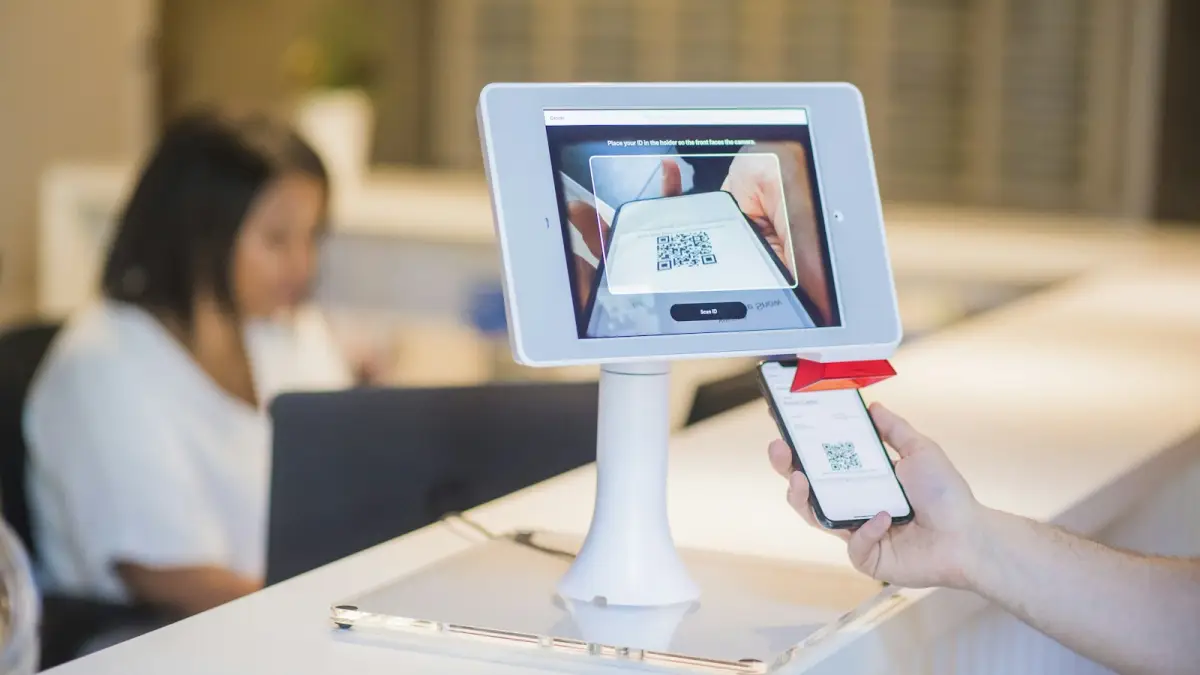
Yes, if your stand has a counter and moments when visitors wait: a tablet turns that
minute into a lead the visitor types themselves, with no transcription and no card to lose. No, if
it would be your only way of capturing: a tablet does not follow a salesperson into the aisle, and
it only works for the visitor willing to stop for twenty seconds.
What follows is what the tablet catches, what to put on it, and the three details that decide
whether it produces leads or sits there looking modern.
What a tablet catches that a card does not
A stand has three kinds of visitors. The one who taps your card or scans your QR code with their own
phone. The one in a hurry, who hands you a card or shows a badge and is gone, whom a salesperson
captures. And the one who waits: the counter is busy, you are with someone else, they look at the
panels for a minute and leave.
The third one is the tablet's. A screen that asks for a name and an email, and one question about
what they came for, gives them something to do with that minute. It also suits the visitor who would
rather type than hand over a card, and the one whose phone is in a bag.
What to put on the screen
Your name or your company, so they know who is asking. The fields you will use and no others: email,
first name, last name, company. One question, at most two, about what brought them to the stand. And
a QR code, large, for the visitor who prefers to do the same on their own phone.
Nothing you keep for your team belongs there. Budget, decision maker, your impression of the
conversation: those are qualification questions a salesperson answers
afterwards, out of the visitor's sight. A tablet that asks a stranger for their budget gets a blank
or a lie.
The reset, the lock and the previous visitor
Three details separate a tablet that works from a tablet with a form open on it.
It clears itself. After the thank-you screen the form is empty, and after a minute without a
touch it goes back to the start. Nobody should see the previous visitor's details, and nobody on
the stand has time to reset it between two conversations.
It is locked. The tablet runs under your account, so leaving the page must ask for a code.
Otherwise a bored visitor is two taps away from your list of contacts.
It is not a public computer. No browser bar, no other tabs, no notifications. A kiosk
does one thing.
The network, which will fail
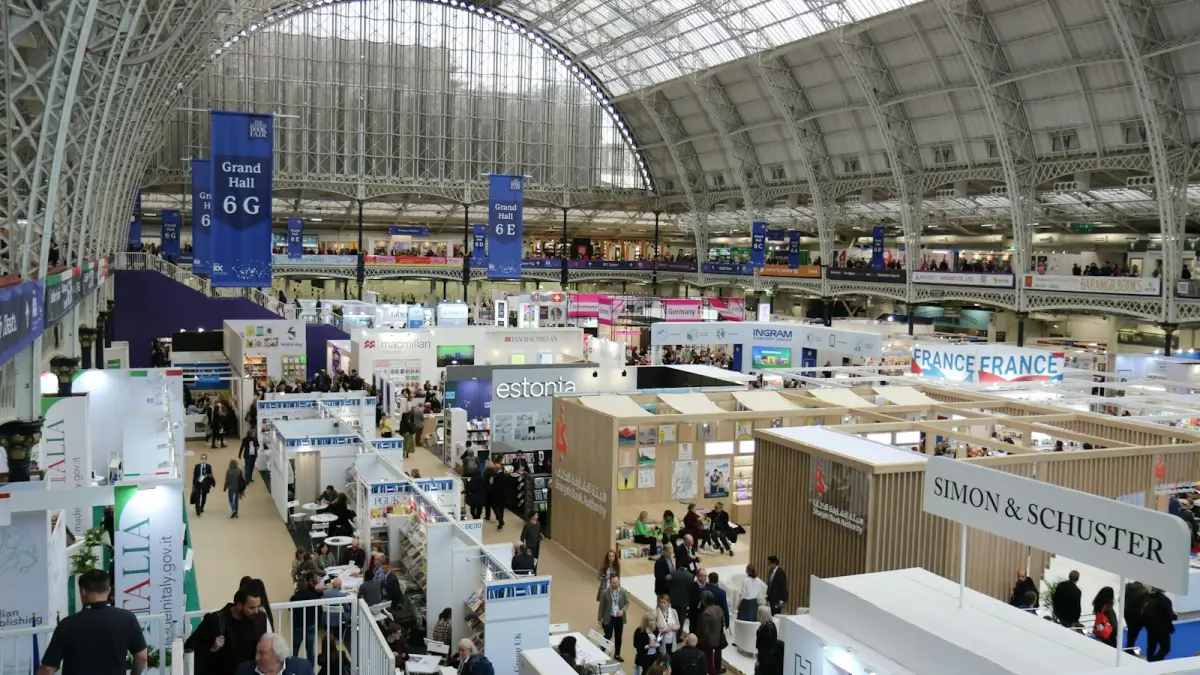
Hall Wi-Fi is sized for the organiser, and mobile data in a steel building with ten thousand phones
is poor by lunchtime. A tablet that needs a connection at the moment the visitor presses send will
show them a spinner, and they will walk away wondering whether it worked.
The tablet has to keep each entry on the device and send it later, and it has to thank the visitor
within a few seconds whether or not the send went through. That is what offline capture
means in practice. Open the page once with a connection in the morning, and it keeps working all day.
Consent on a shared screen
A visitor who types their own details on your stand and presses send has asked to hear from you,
and the screen should say so: who collects the data, what for, and how to be removed. The
GDPR post covers the wording. Since the visitor consented themselves,
the connection email can leave immediately, which it should: the follow-up that arrives while they
are still in the hall is the one that gets read.
Tablet, card and phone: use all three
The stands that come home with a full register run all three at once. The card for visitors with
their phone out. Trade show mode on each salesperson's phone for the
hurried ones, from a photo of their card. The tablet on the counter for the ones who wait. One
register, three ways in, and the Monday export does not care which door each contact used.
What it costs
A tablet you already own, a stand to hold it, and nothing else. In LeadShake the
visitor tablet is a page of the application opened on any tablet, locked
with a four digit exit code, included in every event campaign, the two you get when you sign up included. An event campaign also adds your own questions to the form and gives the fair a register of its own.